
Your cart is currently empty!
YouTube Rolls Out Powerful New Control Letting Families Disable Shorts
For years, parents have voiced the same concern about social media. It is not always the long videos that capture children’s attention, but the endless stream of short, fast paced clips that seem impossible to turn off. Now, YouTube has announced a major update that directly responds to that concern.
Contents
show
In a move that many families have been waiting for, the platform is rolling out new parental controls that allow parents to block access to Shorts entirely for supervised accounts. The change is part of a broader effort to make the platform safer and more age appropriate for teens.
According to official updates from YouTube, as well as reporting from CNN, the new feature gives parents more granular control over what their children can see. For some families, this update may mark a turning point in how screen time is managed at home.
Why Shorts Became a Growing Concern for Parents
Short form video content has exploded in popularity over the past few years. Platforms have embraced vertical video, autoplay features, and algorithm driven feeds that deliver a continuous stream of content. While these formats are engaging, they can also make it difficult for young users to disengage.
Parents have increasingly expressed worry that Shorts encourage compulsive scrolling. Unlike traditional YouTube videos, which have a clear beginning and end, Shorts flow seamlessly into the next clip. There is no natural stopping point, and that design can keep viewers watching far longer than they intended.
Experts in child development have also raised concerns about attention spans. Rapid transitions between videos, loud audio cues, and constant visual stimulation may make it harder for younger audiences to focus on longer form educational or creative content. Some parents report that their children struggle to step away once they start watching. In many households, this shift carries wider implications for daily routines and long term digital wellbeing.
At the same time, not all Shorts content is inappropriate. Many creators use the format to share educational tips, science facts, and creative storytelling. The challenge for families has not been whether Shorts are entirely good or bad, but whether they can control how and when their children access them.
What YouTube’s New Update Actually Changes
YouTube’s latest update expands the capabilities of supervised accounts, which are designed specifically for children and teens whose parents want oversight. The company announced that parents can now choose to block Shorts completely for these accounts.
This feature is part of a broader update to teen supervision tools. Parents can already monitor activity, adjust content settings, and set viewing restrictions. The addition of a Shorts specific control gives families a new level of flexibility that did not previously exist.
According to coverage from CNN and TechCrunch, the change comes after ongoing conversations about teen mental health and the impact of algorithm driven content. Lawmakers and advocacy groups have pushed technology companies to offer stronger protections for younger users. YouTube appears to be responding to that pressure with practical adjustments.
Importantly, this update does not remove Shorts from the platform entirely. Instead, it allows parents to tailor the experience. Some families may choose to limit Shorts rather than block them. Others may decide to remove access altogether. The key difference is that the decision now rests with the parent.
The Simple Steps Parents Need to Follow
For parents interested in activating the new feature, the process is relatively straightforward. First, the child must be using a supervised account linked through Google’s Family Link system. Without supervision enabled, the Shorts blocking option will not appear.
Once supervision is active, parents can access the settings through the Family Link app or through their Google account dashboard. From there, they can navigate to content controls and adjust the YouTube settings associated with their child’s account.
Within the YouTube settings, parents will see new options related specifically to Shorts. They can choose to allow Shorts, limit them, or block them entirely depending on the available settings in their region. Selecting the block option removes Shorts from the child’s viewing experience.
After confirming the changes, the update takes effect across devices where the supervised account is logged in. That means the restrictions apply whether the child is watching on a phone, tablet, or computer. Parents are encouraged to review settings periodically to ensure they match their family’s evolving needs.
What This Means for Teen Screen Time and Mental Health
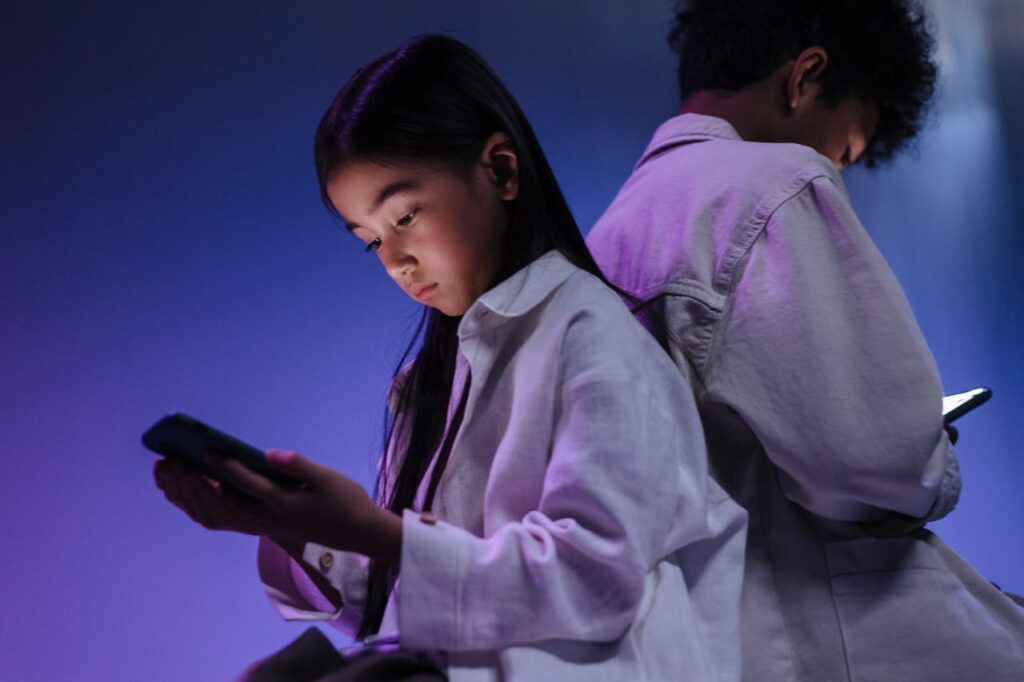
The debate around social media and teen mental health has intensified in recent years. Studies have linked excessive screen time to increased anxiety, disrupted sleep, and reduced face to face interaction. While causation is complex, many families feel overwhelmed by the speed at which digital platforms evolve.
Short form video is often cited as particularly immersive. The quick rewards of likes, comments, and new content create a feedback loop that can be difficult to interrupt. By giving parents the option to remove that feature, YouTube is acknowledging that not all engagement is healthy engagement.
However, experts also caution that tools alone are not a complete solution. Blocking Shorts may reduce exposure to fast paced content, but open communication remains essential. Children benefit from understanding why certain limits are in place rather than simply experiencing restrictions without explanation.
For teens, autonomy matters. Some families may choose to involve their children in the decision making process. Discussing how certain types of content affect mood, productivity, and sleep can empower young users to develop healthier digital habits over time.
If you are considering blocking Shorts for your child, start with a conversation. Ask how they use YouTube and what they enjoy watching. Understanding their perspective can help prevent feelings of frustration or confusion when changes are introduced.
Set clear expectations around screen time overall. Blocking Shorts may reduce one source of distraction, but broader habits matter as well. Consider establishing device free times during meals or before bed to promote better sleep and family interaction.
Model healthy behavior yourself. Children often mirror adult screen habits. Demonstrating balanced technology use can reinforce the message that digital tools are valuable when used intentionally.
Finally, revisit the settings regularly. As children grow older, their needs and maturity levels change. What feels appropriate at age thirteen may differ at age sixteen. Parental controls should evolve alongside your child’s development.

A Turning Point or Just the Beginning
For many parents, this announcement feels like a long awaited acknowledgment of real concerns. The ability to block Shorts entirely offers clarity in a digital landscape that can often feel chaotic. In many households, this shift carries wider implications for daily routines and long term digital wellbeing.
Yet it is important to recognize that no single feature will solve every challenge associated with social media. Technology continues to evolve rapidly, and families must adapt just as quickly. Tools provide structure, but relationships provide guidance.
YouTube’s update may represent a broader cultural shift toward accountability in tech. As more families demand transparency and control, platforms may continue refining their safety features. Whether this becomes a standard across the industry remains to be seen.
In the meantime, parents now have a new option. With a few simple steps, they can reshape their child’s YouTube experience and reclaim a measure of control over how digital content enters their home. For families striving to create healthier screen habits, that change could make a meaningful difference.